TIME PRECISION
An instrument for
everyone's
time at once.
Time Precision docks to the edge of your screen as a hairline of brass and glass. Hover it, and every city you track opens into a clean readout — the hour, the date, the zone — then folds away the instant you look elsewhere.
Live demo — hover or tap a city
Nothing shows until
something needs to.
No window to manage, no taskbar clutter — just a thin edge that knows what time it is everywhere that matters to you.
Collapses to a hairline
At rest it's a 46-pixel strip against the left or right edge — logo, title, and a gear. Want even less? One switch folds it into a 3-pixel line.
One hover, one city
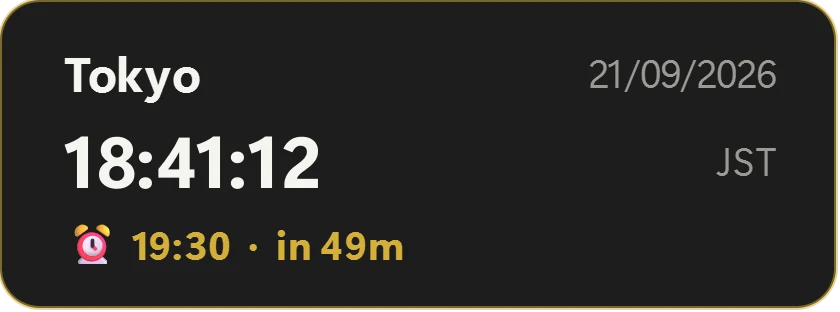
Rest the cursor on a single tile and a card opens beside it: full city name, live seconds, the date in your chosen format, the zone abbreviation — and the next alarm for that city. Move on and it folds away.
233 cities, one search box
Every major city in every country, validated against the IANA timezone database — including the ones that trip up lesser clocks, like Bali running on a different offset than Jakarta.
Reorder by hand
Grab the handle beside any city in Settings and drag it up or down the list — the rail updates the instant you let go.
A hairline at rest.
An instrument on hover.
Flip one switch in Settings and the whole widget folds into a 3-pixel line on the edge of your screen. Touch the line and it opens; move away and it folds shut. This is the real app, not a mock-up.
Folds from anywhere
From the rail, Settings or Alarms — and it comes back to the same page, an unsaved alarm draft included.
Never in your way
It stays open while a menu or dialog is in use, and folds only when you've truly moved on.
Off by default
One switch in Settings. Turn it off and the rail stays put, exactly as before.
Set it where
it matters.
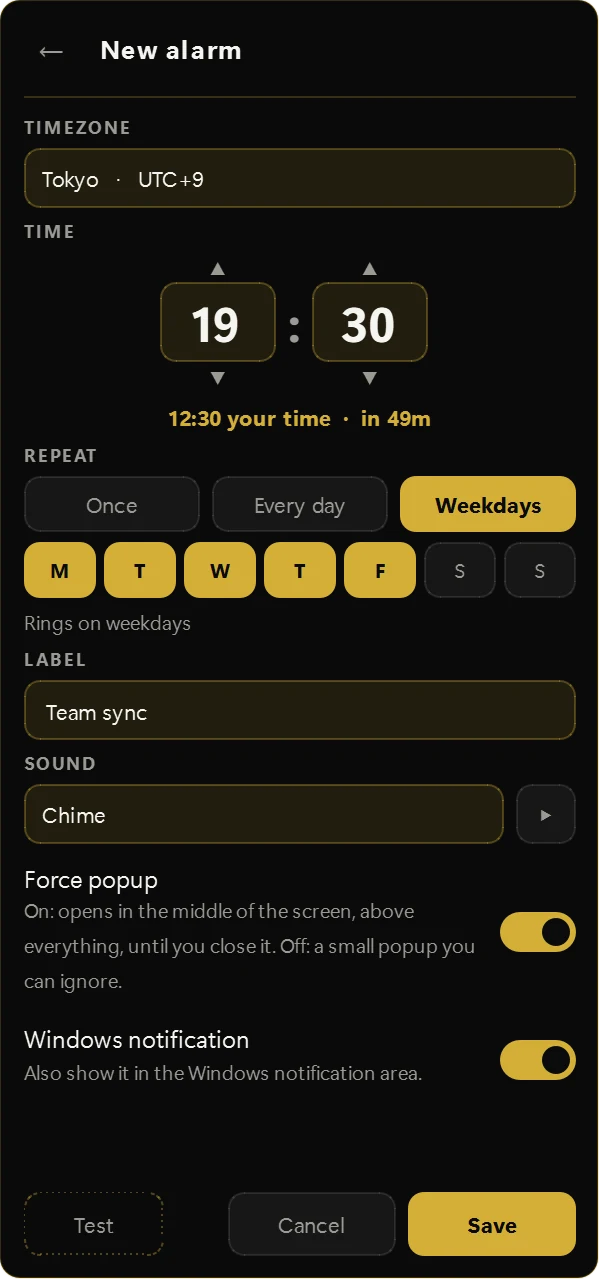
Click any city on the rail and set the alarm in that city's own clock. 07:30 in Tokyo rings at 07:30 in Tokyo, wherever you happen to be sitting — and the editor shows what it means on your clock.
Time zones done properly
Daylight-saving jumps are handled for you: a time skipped by spring-forward rings an hour later, never silently lost.
Two kinds of popup
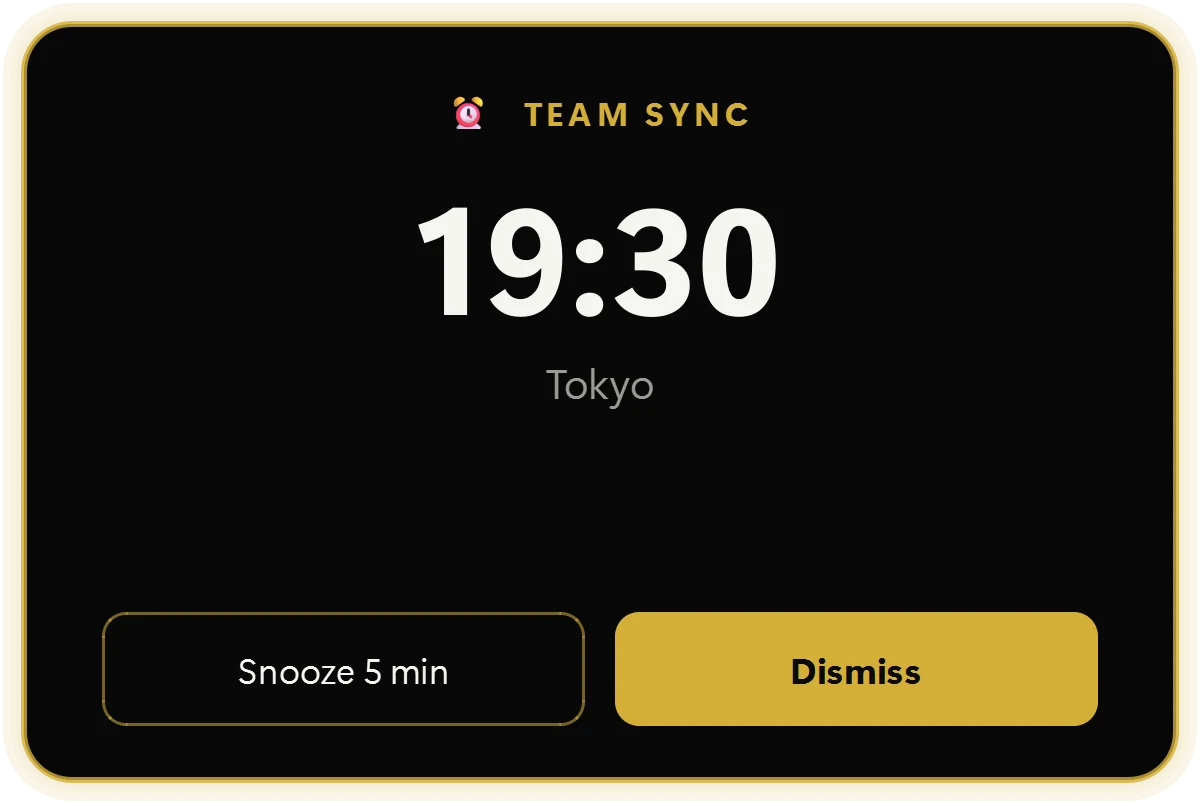
Force popup: centered, above everything, stays until you close it. Off: a small card in the corner you can simply ignore.
Your sound, or ours
Six built-in ringtones, or import any song, sound or recording — mp3, m4a, wav, flac, ogg and more.
Made not to miss
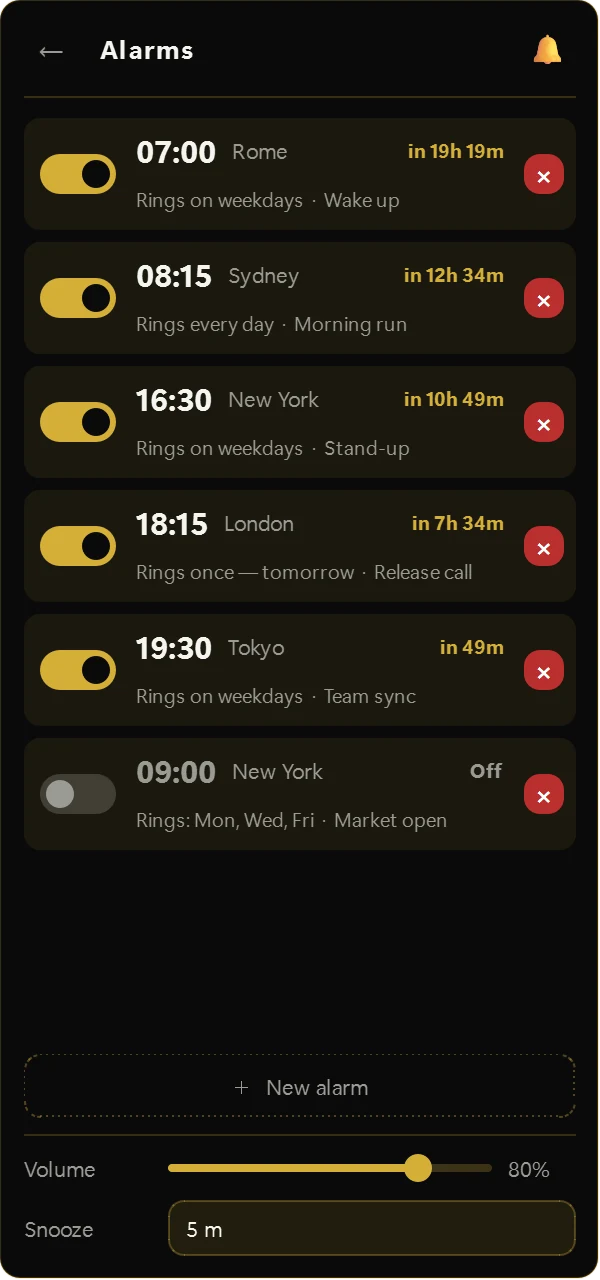
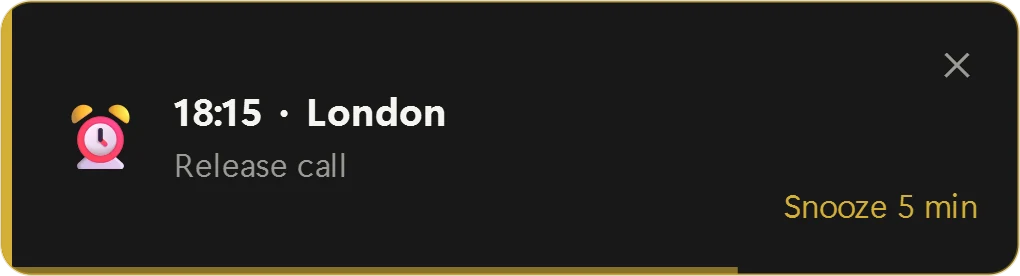
Once, every day, weekdays or custom days. Snooze, volume, an optional Windows notification — and alarms missed while the PC slept are caught up or reported.
Your language,
in its own script.
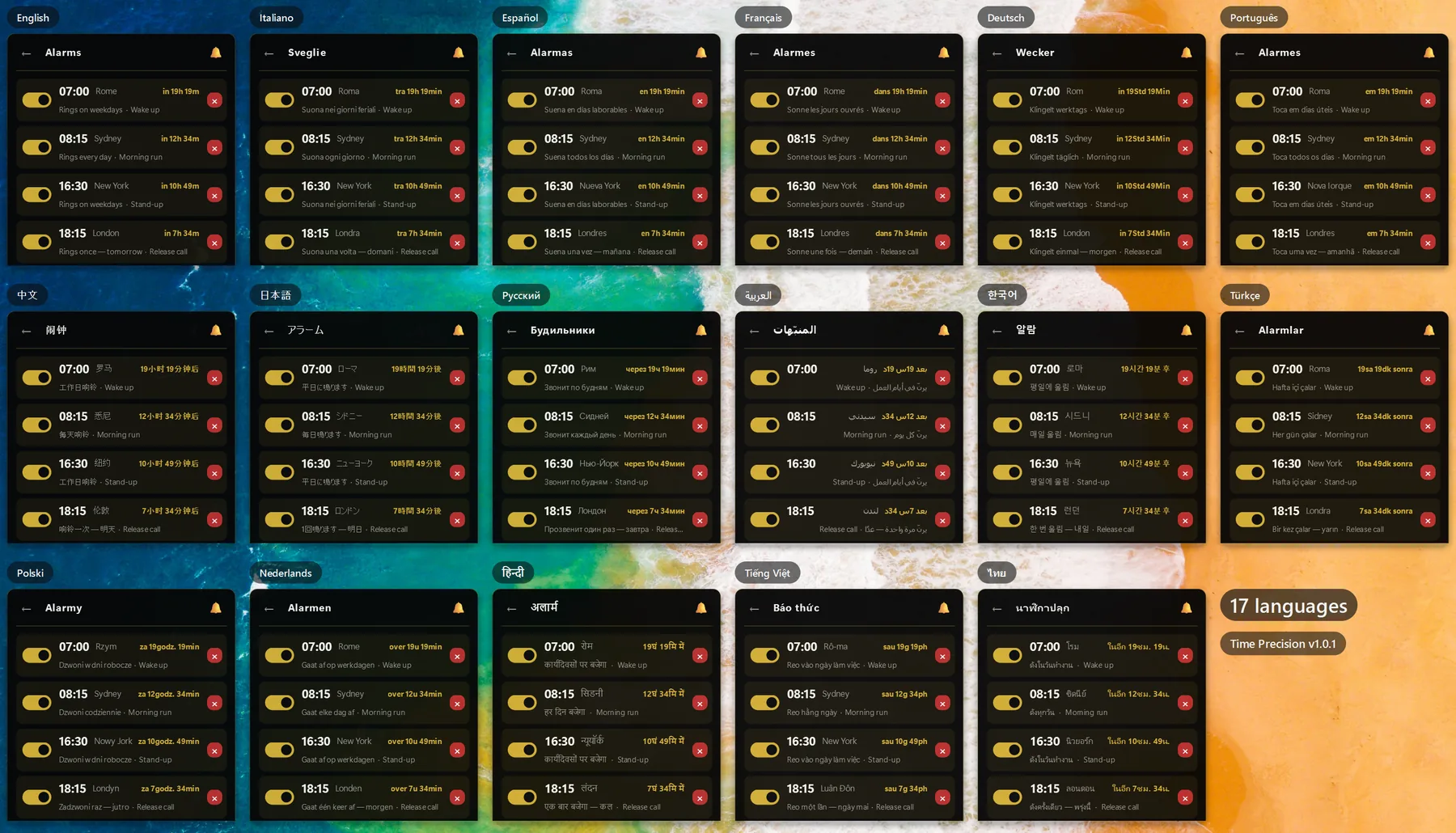
Seventeen interface languages, six of them new in 1.0.1 — each in its own script. City names come in every language too, and can be set separately from the interface.
- English
- Italiano
- Español
- Français
- Deutsch
- Português
- 中文
- 日本語
- Русский
- العربية
- 한국어
- Türkçe
- Polski
- Nederlands
- हिन्दी
- Tiếng Việt
- ไทย
New: Türkçe · Polski · Nederlands · हिन्दी · Tiếng Việt · ไทย
Same mechanism.
Entirely different instrument.
Switching finishes doesn't just recolor the rail — it changes the typeface, the corner geometry, the border weight, everything down to how sharply the tiles are cut. And every finish is measured for contrast: light type on dark cases, dark type on light ones, on every accent.
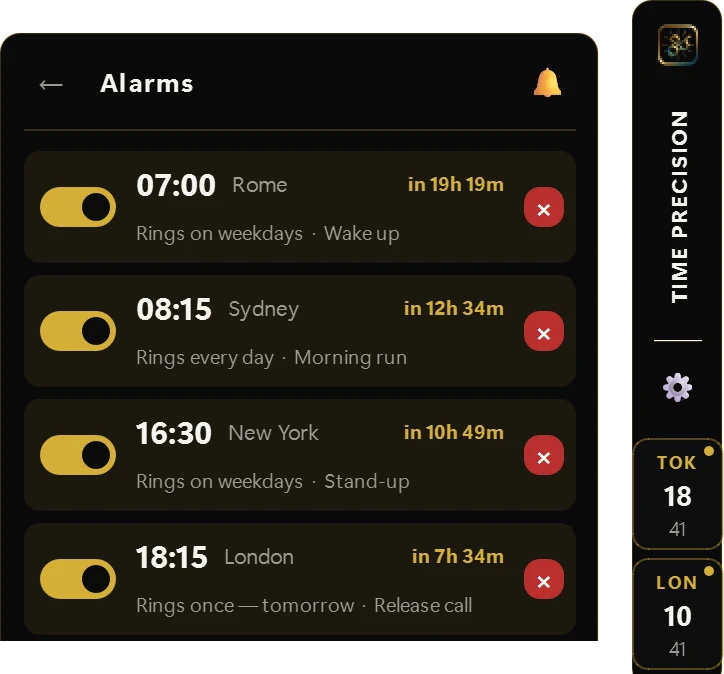
Black and champagne gold. The house finish — polished, restrained, engineered.
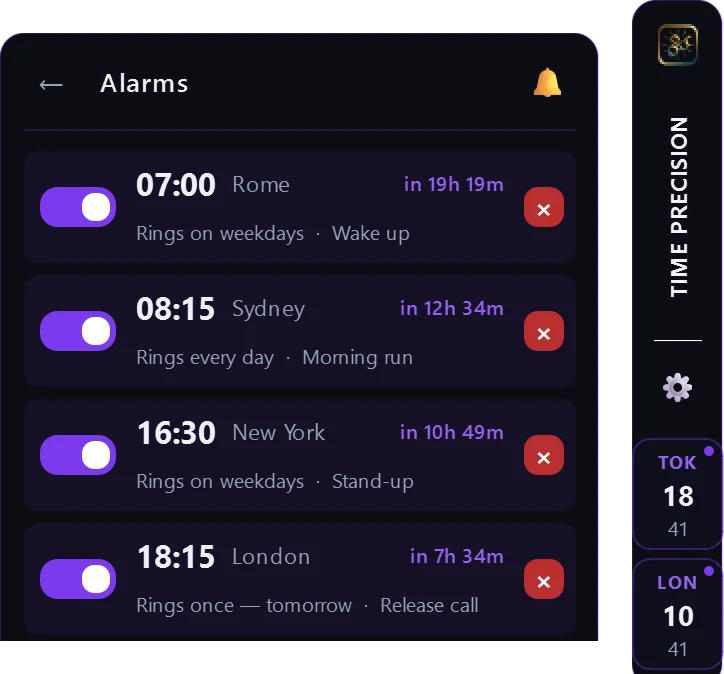
The original violet dial — kept intact as a tribute to where this instrument began.
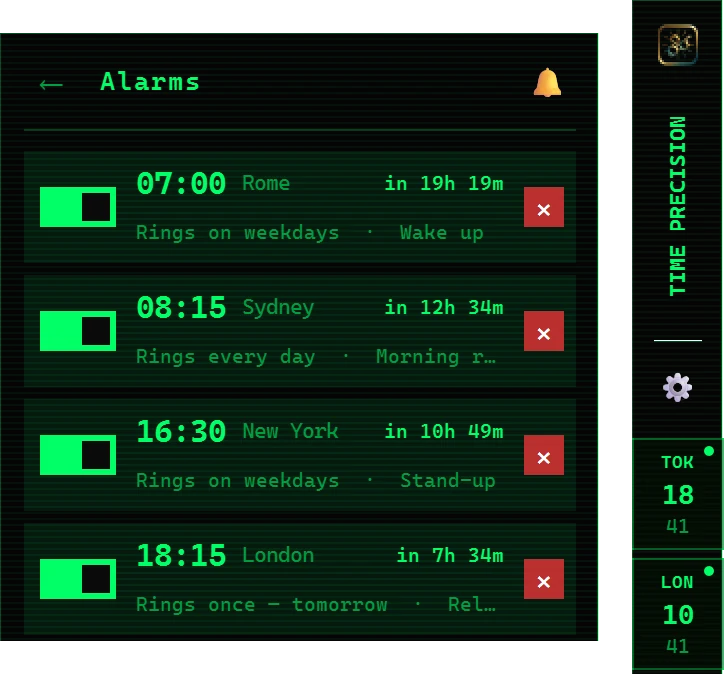
Matrix green on true black, faint scanlines included, set in a real terminal face.
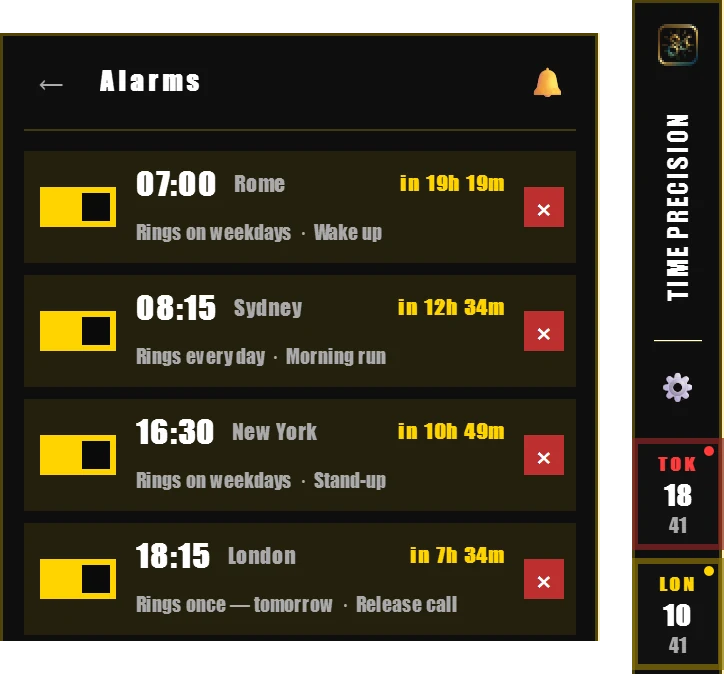
Thick square borders, marquee type, and every tile lit a different colour off the same rack.
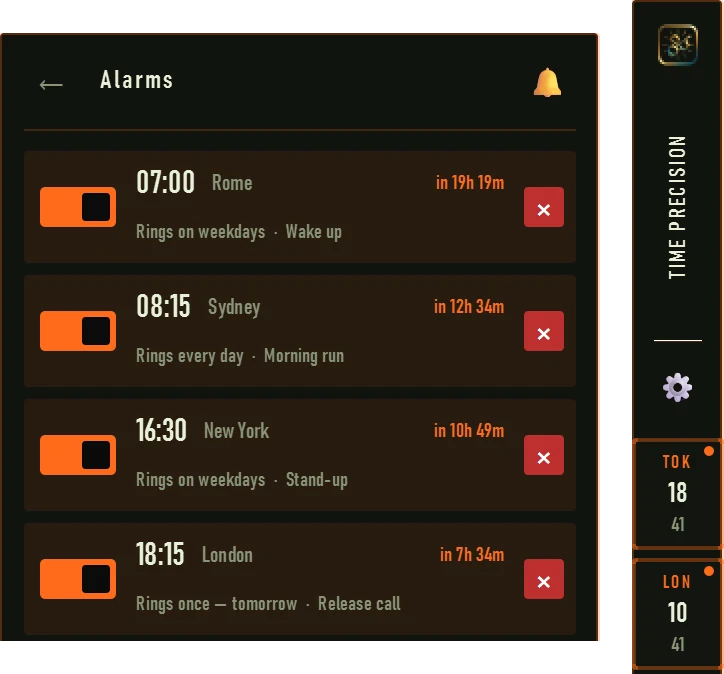
Olive and tactical orange, condensed and squared off like a heads-up display.
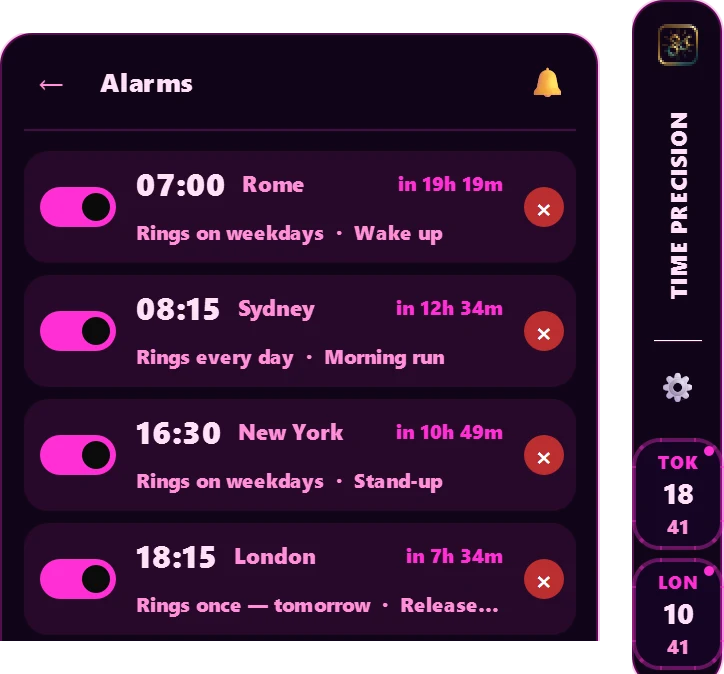
Neon magenta with a soft glow, set bold and heavy — built for an e-girl aesthetic.
Aged paper and typewriter ink — the one finish that trades the dark case for daylight.
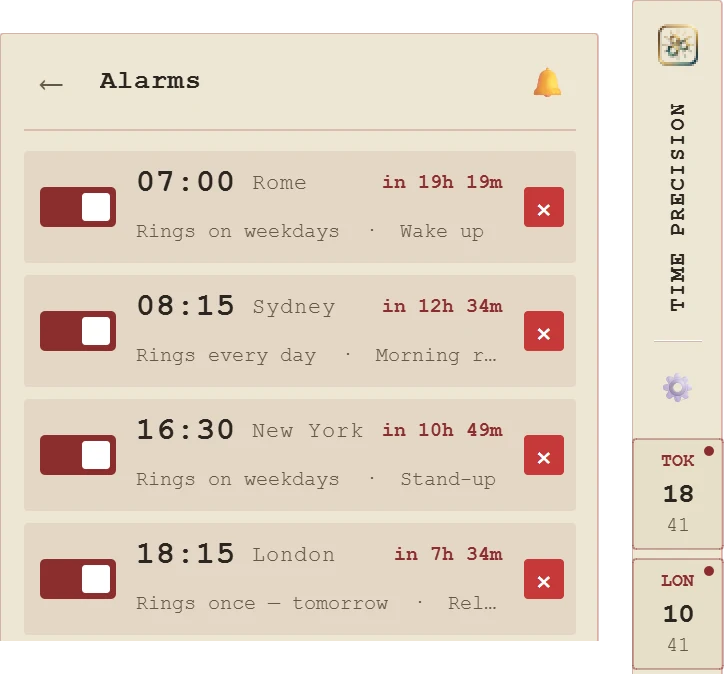
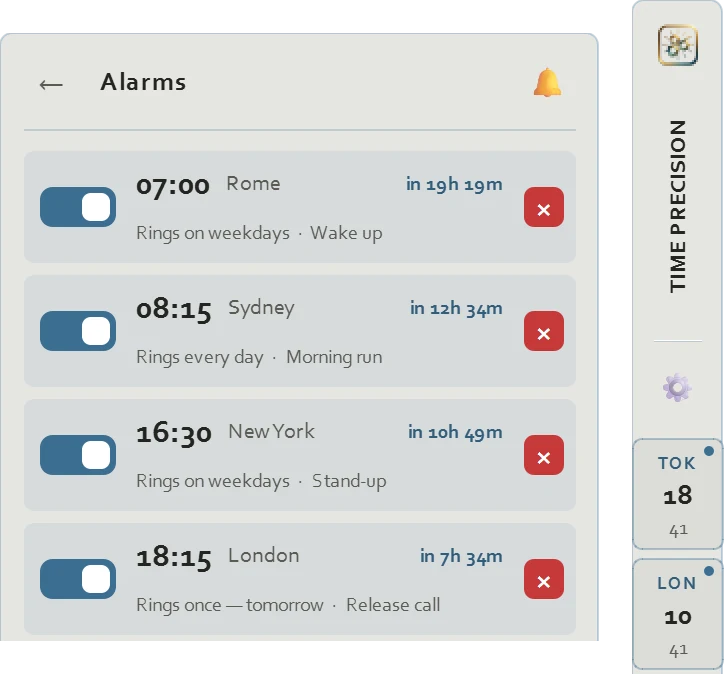
Poured concrete and steel blue, corners barely eased — quiet and architectural.
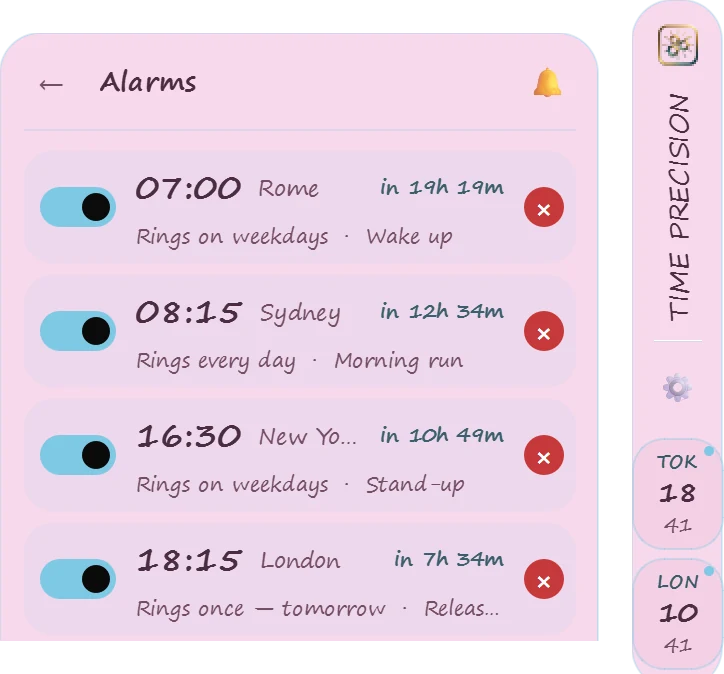
Soft pink case, sky-blue accent, the roundest corners in the collection.
Every dial, in one panel.
The gear opens a proper control panel — no dialogs stacked on dialogs.
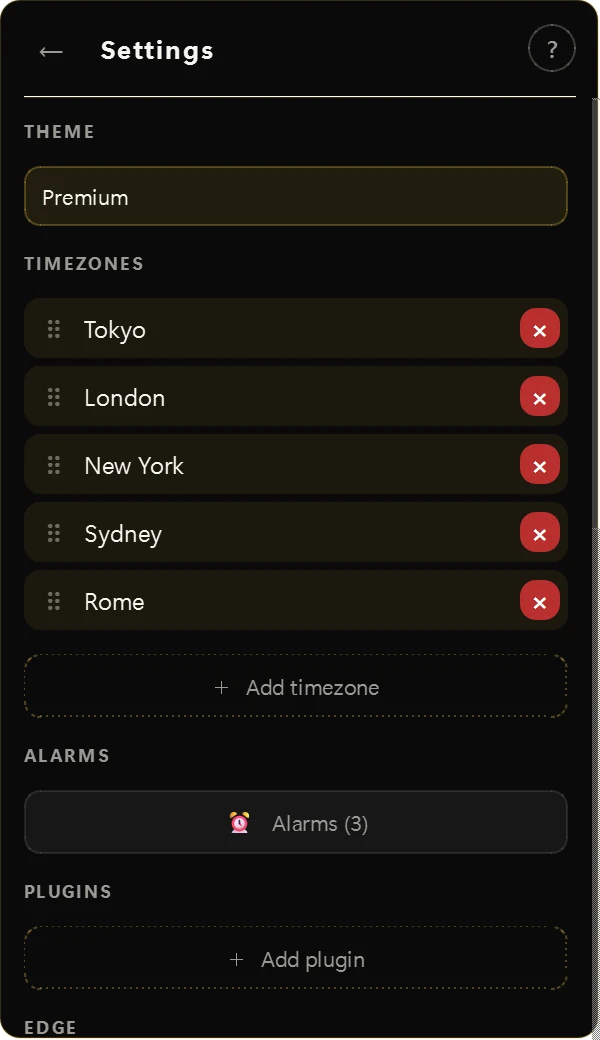
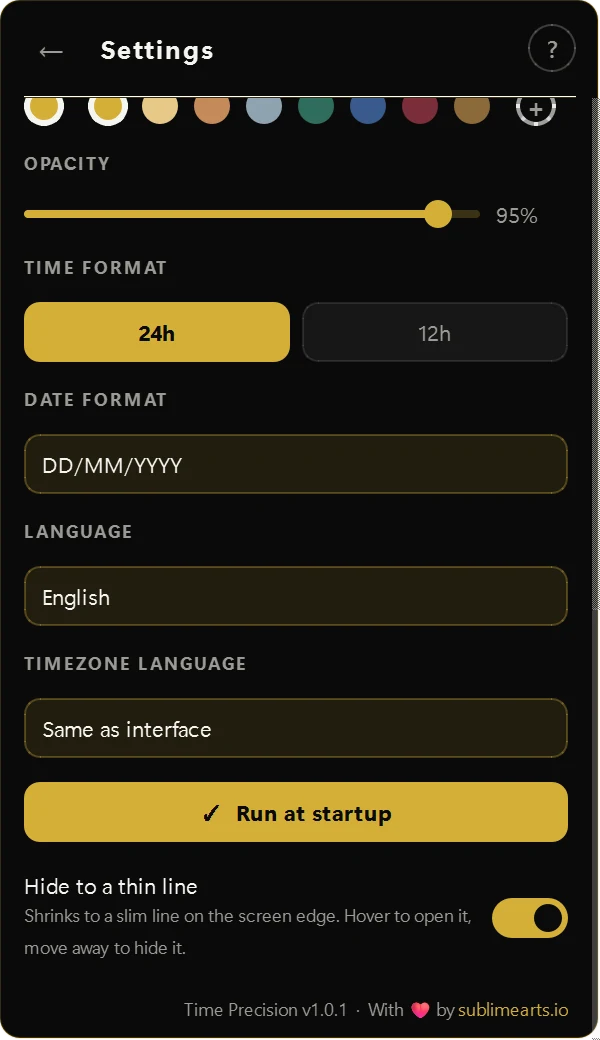
- Cities — add, remove, and drag to reorder
- Alarms — a list of every alarm, with master mute, volume and snooze
- Thin line — one switch to fold everything into a line on the edge
- Language — 17 interface languages, and city names in their own language
- Edge — dock left or right
- Accent — eight tones, plus a one-click reset to each finish's signature colour
- Time & date — 12 or 24 hour, three date orders
- Startup — launch with Windows, optional
- Updates — checked automatically, installed with one click from the tray
What's actually inside.
Put one on your desktop.
Free to install. Alarms, nine finishes and seventeen languages included. Every city that matters, one hover away.